
What We Measured Across 6 Months and Why
AI video production ROI becomes clearer over time because one project only shows speed. Six months shows whether the videos are useful, used, and tied to business outcomes.
A one week test can show whether AI saves production time. A single video can show whether AI reduces effort. But ROI is bigger than speed. It includes production efficiency, cost per usable asset, campaign use, sales adoption, and customer education value.
This matters now because AI assisted video is moving into normal marketing operations. Wyzowl reports that 63% of video marketers have used AI tools to help create or edit marketing videos, while 91% of businesses use video as a marketing tool [Wyzowl, 2026]. This is useful survey evidence, but it does not prove every AI video creates ROI. (Wyzowl)
Motionvillee is an AI video production company for SaaS, tech, cybersecurity, fintech, and finance brands that need video to support marketing, sales, onboarding, and customer education. For the broader measurement framework, read AI video production ROI
What AI Video Production Work Was Included?
We measured repeated business video work, not one isolated tool experiment.
The six month study included social video cutdowns, webinar repurposing, AI assisted explainer drafts, product update videos, sales follow up clips, paid ad variations, training videos, onboarding clips, captioned shorts, AI voiceover tests, format resizing, and campaign versions.
This is a Motionvillee workflow analysis, not a controlled academic study. The findings should be read as practical business patterns from repeated production use, not universal benchmarks for every company.
The reason this matters is simple. Most marketing teams do not need one AI video. They need a repeatable system for creating more useful assets without stretching team capacity.
What ROI Metrics Did We Track?
We tracked both efficiency ROI and growth ROI because AI video value does not show up in one metric.
| ROI area | Metrics tracked | Why it mattered |
| Production efficiency | Time saved, editing hours, turnaround time | Showed workflow improvement |
| Cost efficiency | Cost per video, cost per usable asset | Showed budget impact |
| Output volume | Number of videos, cutdowns, versions | Showed content scale |
| Campaign use | Ads, landing pages, social posts, emails | Showed marketing value |
| Sales usage | Follow up clips, explainers, objection videos | Showed revenue support |
| Customer education | Training, onboarding, FAQ videos | Showed post sale value |
| Performance | Engagement, demo clicks, completion rate | Showed growth impact |
The key rule was this: more videos created did not count as ROI unless those videos were actually used.
What Changed in Production Time?
Production time improved most in repeated tasks, not in strategic decision making.
AI helped reduce time for first script options, rough cuts, captioning, transcript based edits, social cutdowns, ad variations, and format exports. That improved the workflow because teams moved from idea to usable draft faster.
But AI did not remove message approval, product review, or stakeholder feedback. Those still depended on human decisions.
This matches the broader market shift. IAB reported that nearly 90% of advertisers were using or planning to use generative AI for video ads, and buyers projected generative AI creative could reach 40% of all ads by 2026 [IAB, 2025]. The limitation is that this shows adoption, not guaranteed performance improvement. (IAB)
For deeper timing context, read AI video production cost study
What Changed in Cost Per Usable Asset?
Cost per usable asset became more useful than cost per video.
The old view measured one final video. The better view measured how many useful assets came from one production effort: main video, short clips, paid ad cuts, sales versions, email clips, captioned versions, vertical formats, webinar highlights, and training snippets.
| Measurement | Old way | AI assisted way |
| Cost view | Cost per final video | Cost per usable asset |
| Output | One main video | Main video plus versions |
| Repurposing | Separate effort later | Planned earlier |
| Campaign use | Limited formats | More channel ready assets |
The ROI improved when one production effort created more assets that teams actually published, tested, or used in sales conversations.
Cost control still mattered. If a team creates versions that never leave the folder, the cost per useful asset goes back up. For budget planning, read AI video production cost
What Changed in Campaign Speed?
Campaign speed improved because teams could create and test video versions faster.
AI helped shorten the gap between idea, draft, edit, and launch. Paid ad variations, social clips, email assets, landing page videos, and retargeting clips moved faster when the source content and message were clear.
The real ROI was not only time saved. It was faster learning.
Teams could test hooks, CTAs, formats, and audience angles sooner. That matters because HubSpot’s 2026 marketing research says measuring marketing ROI is a top challenge for leaders, cited by 33% of respondents [HubSpot, 2026]. The report covers marketing broadly, not AI video alone, but it supports the need for clearer performance systems. (HubSpot Blog)
What Changed in Sales Usage?
Sales usage became one of the strongest ROI signals.
AI assisted production made it easier to create short videos for outreach, follow ups, product explanation, objection handling, proof points, demo recaps, and buyer education.
That mattered because a video used repeatedly by sales has value beyond public views. It can reduce repeated explanation, support buyer clarity, and give reps a more consistent way to communicate value.
Vidyard’s benchmark report is based on nearly 1 million B2B videos, which supports the role of video across business communication [Vidyard, 2025]. It does not isolate AI generated video ROI, but it gives useful B2B context for why video usage should be measured beyond marketing channels. (Vidyard)
As an AI video production company, Motionvillee tracks whether a video is useful to marketing and sales, not only whether the final file is delivered.
What Changed in Customer Education?
AI video production created value after the sale too.
Training clips, onboarding videos, FAQ videos, and support explainers became easier to create and update. That helped teams turn repeated explanations into reusable customer education assets.
This was especially useful for SaaS and tech companies because customer education affects activation, adoption, support volume, and time to value.
The limitation is important. We did not treat every support video as ROI automatically. It only counted when the video was used in onboarding, customer success, training, or support workflows.
What Did Not Improve Automatically?
AI did not improve ROI when the brief was weak, the script was generic, or the videos had no distribution plan.
Some videos were faster to create but did not perform better. Some versions were made but never used. Some outputs still needed heavy review. Some scripts sounded polished but lacked buyer relevance.
That was the clearest warning from the study: AI improves ROI when it is connected to a workflow. It does not create business value simply because it creates more output.
How Did ROI Change Month by Month?
The first ROI signals showed up in efficiency. Business impact took longer.
| Period | What changed |
| Month 1 | Setup, tool testing, workflow gaps |
| Month 2 | Faster drafts and cutdowns |
| Month 3 | Better review process |
| Month 4 | More campaign versions |
| Month 5 | More sales usage |
| Month 6 | Clearer cost per asset and ROI signals |
Efficiency ROI showed up first because time saved is easier to see. Growth ROI took longer because it depended on distribution, campaign use, sales adoption, and buyer behavior.
What Businesses Should Measure Before Calling AI Video Successful
An AI video program is successful when the assets are useful, used, and connected to outcomes.
| Question | What it shows |
| Did production time go down? | Efficiency |
| Did cost per usable asset improve? | Budget value |
| Were more versions created? | Scale |
| Were the videos actually published? | Distribution |
| Did sales use the videos? | Revenue support |
| Did campaigns improve? | Marketing impact |
| Did onboarding or support improve? | Customer value |
| Did quality remain strong enough? | Trust |
The best measurement plan starts before production. Tag videos by funnel stage, track cost per usable asset from day one, measure sales usage separately, and separate internal videos from campaign videos.
Final Takeaway: What Did the 6 Month ROI Numbers Show?
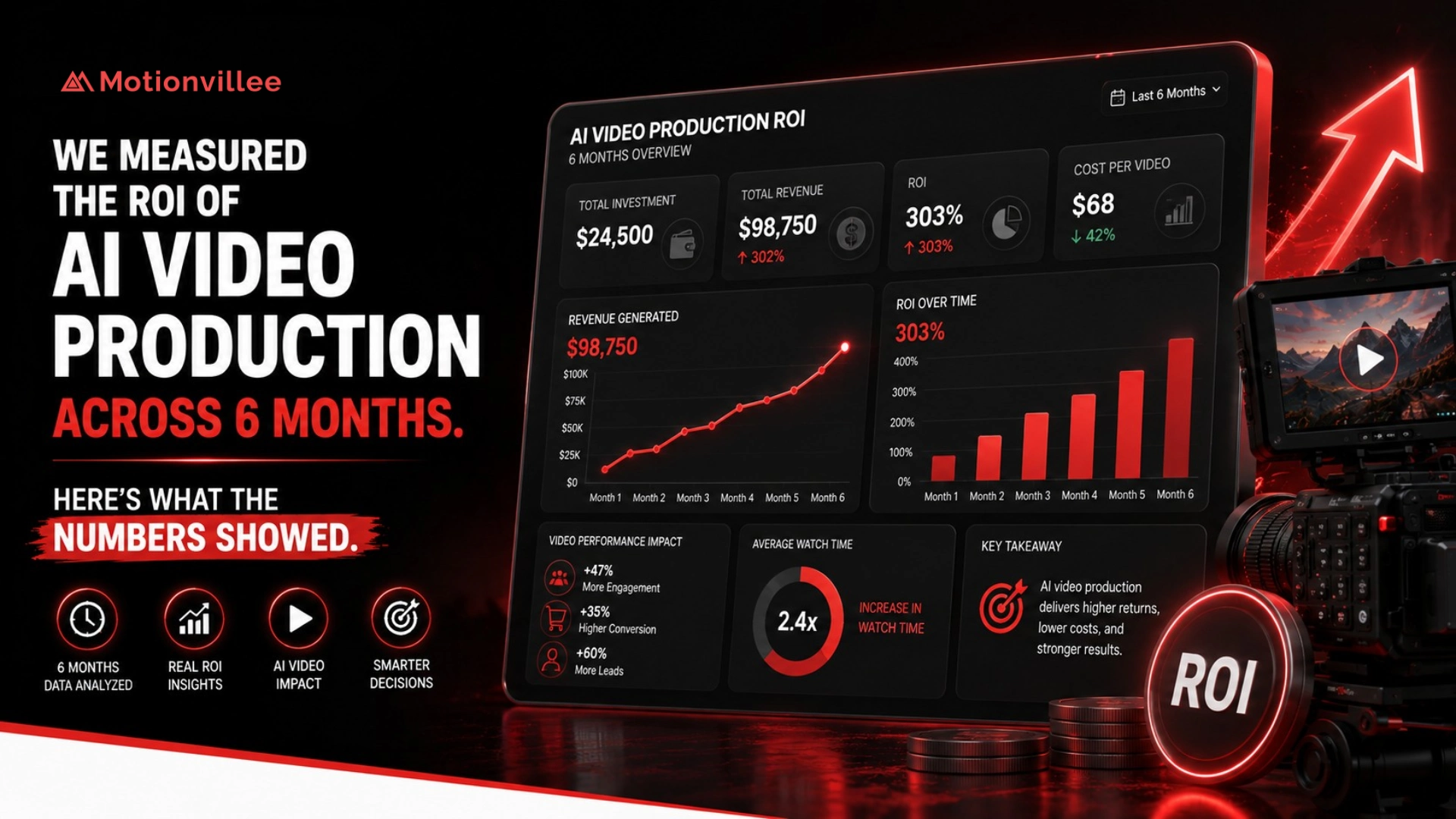
The six month ROI pattern was clear: AI created the most value when it reduced repeated production work and helped teams turn one source idea into multiple useful business assets.
It improved efficiency through faster drafts, captions, cutdowns, and versions.
It improved business usefulness when videos were connected to campaigns, sales follow up, onboarding, customer education, or support.
But the ROI did not come from AI alone. It came from using AI inside a clear workflow with defined goals, review rules, distribution plans, and quality control.
The better question is not:
“Did AI make the video cheaper?”
It is:
Did AI help us create more useful video assets, faster, without losing clarity or trust?
Motionvillee brings 15+ years of production experience to AI video production, helping B2B brands connect faster production to pipeline support, buyer education, and measurable business value.