
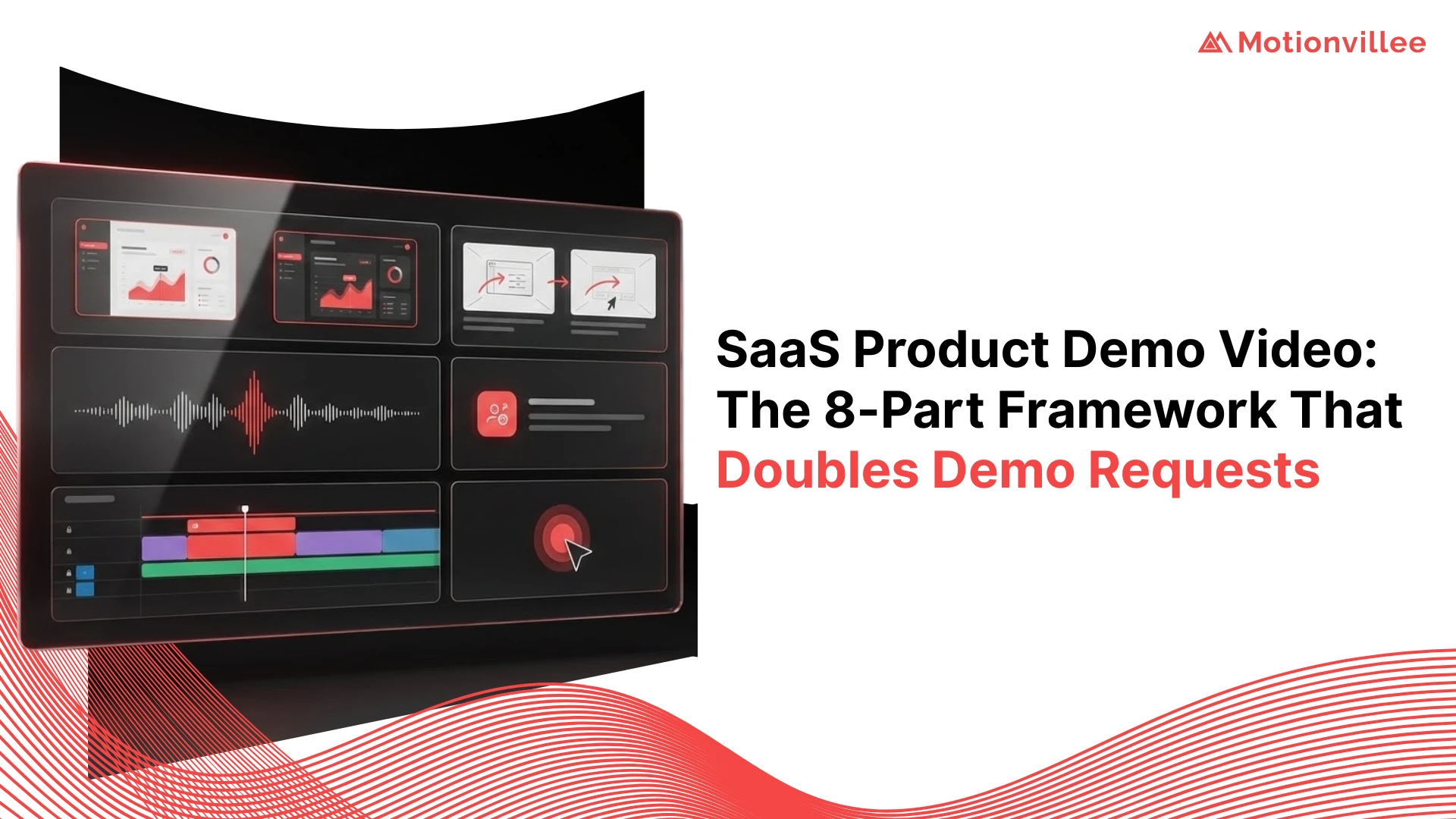
SaaS Product Demo Video: The 8-Part Framework That Doubles Demo Requests
Most SaaS product demo video fail because they show features instead of solving problems. This guide reveals the 8-part framework that converts viewers into demo requesters by positioning your solution as the answer to their specific pain point.
The Demo Request Dilemma in B2B SaaS
Most SaaS companies struggle to convert video viewers into demo requests because they focus on product features rather than buyer outcomes and pain alleviation.
A prospect watches your SaaS product demo video. They see screenshots of your interface, understand what features exist, and leave without booking a demo. They understood your product but didn’t feel compelled to act.
This pattern repeats across thousands of SaaS companies. They invest in video production then wonder why completion rates are high but demo requests are low. The problem isn’t production quality. It’s strategic positioning.
Viewers need to feel that your solution solves their specific problem before they’ll request a demo. They need to believe your approach is better than alternatives. They need to feel urgency to act now. A feature walkthrough alone doesn’t create this conviction.
Why Traditional SaaS Demo Videos Fail
Traditional demo videos fail because they explain what the product does instead of showing how it solves the buyer’s actual problem and transforms their workflow.
- Feature-First Positioning: Most SaaS demos open with “Our platform offers real-time data integration, automated workflows, and API support.” Prospects don’t care about features in isolation. They care about what those features enable them to accomplish.
- No Problem Recognition: Viewers don’t feel the pain the product solves. A demo should open by naming the specific problem your buyer experiences: “Your team spends 8 hours per week on manual data entry that causes errors.” This creates emotional engagement before solution explanation.
- Missing Competitive Positioning: Traditional demos show your product but don’t explain why it’s better than alternatives. Prospects don’t know how you differ from competitors. They can’t make an informed comparison.
- Weak Call-to-Action: Most demos end with a generic “Learn more” or “Try free” CTA. There’s no urgency. No reason to act now. Prospects watch and do nothing because there’s no compelling next step.
- Too Much Information: Demos that try to show every feature overwhelm viewers. They watch a 5-minute walkthrough of 20 features and remember nothing. Shorter, focused positioning beats comprehensive feature lists.
- No Proof or Social Proof: Viewers have no evidence that the product works or that companies like theirs have succeeded. Missing proof eliminates trust and demo booking confidence.
The Science Behind High-Converting Demo Videos
High-converting SaaS demo videos follow a psychological sequence: problem recognition, urgency building, solution positioning, proof establishment, transformation proof, objection handling, and action incentive.
Buyer psychology doesn’t change. Prospects move through the same mental progression regardless of the product. They recognize a problem, acknowledge its cost, desire a solution, evaluate options, build confidence, address concerns, and finally decide to act.
High-converting SaaS product demo video guide prospects through this exact sequence. Each section of the framework serves a specific psychological purpose. This isn’t manipulation. It’s alignment with how buyers naturally decide.
When videos follow this psychological sequence, demo request rates double or triple compared to traditional demos. Conversion improvement isn’t from better animation or production quality. It’s from strategic positioning throughout.
Framework Overview: The 8 Essential Components
The 8-part framework sequences positioning, proof, and action elements to guide prospects from problem recognition through demo request in a single video.
Think of the framework as a guided journey, not a product walkthrough. Each part serves a specific conversion function. Remove any part and conversion drops noticeably.
The framework works for all SaaS verticals: tools, platforms, enterprise software, and specialized applications. The sequence remains the same. The specific details change based on your product and audience.
Part 1: The Pattern Interrupt Hook
Your opening 3 seconds must stop scrolling and create curiosity or recognition so viewers stay engaged long enough to hear your value proposition.
Understanding the First 3-Second Window
Three seconds determines whether a viewer continues watching or scrolls past. This is neurobiologically real. Viewers make snap decisions about relevance instantly.
Your hook must signal “this is relevant to me” in the first 3 seconds. This isn’t about being clever. It’s about relevance. Does this video address my specific situation or pain?
Hook Formulas That Stop the Scroll
Hook Formula 1: Problem Recognition. Open with the exact problem your audience experiences. “Your team spends 40 hours per month on manual data entry that causes $100K in annual errors.” This creates immediate recognition and relevance.
Hook Formula 2: Surprising Statistic. “90% of SaaS companies waste $200K annually on duplicate software investments they could consolidate.” A surprising stat creates curiosity about what comes next.
Hook Formula 3: Direct Question. “How much time could your team reclaim if manual data entry was completely eliminated?” A relevant question engages viewer psychology by forcing them to answer mentally.
Hook Formula 4: Before-After Contrast. Show the “before” scenario briefly (chaos, inefficiency, waste) then immediately show the contrast (“Or this approach”). The contrast creates interest in how you bridge the gap.
Part 2: The Pain Amplification Sequence
After the hook, amplify the pain you identified so viewers feel the cost of the problem and become motivated to explore solutions.
Identifying Your Audience’s Critical Pain Points
Different audiences have different pain points. Your CFO pain point (cost) differs from your CTO pain point (integration complexity). Identify which persona you’re addressing and speak to their specific pain.
Use data when possible. “Manual data entry causes a 2-day delay in reporting, impacting decision-making velocity.” Specific impact data is more compelling than generic pain statements.
The Agitation Technique
After identifying pain, agitate it slightly. Show the cost accumulation. “That 2-day delay multiplies across 50 reports monthly, creating a month-long visibility gap into your actual business state.”
Agitation isn’t manipulation. It’s helping prospects recognize the true cost of their current situation. Most prospects underestimate the cost of their pain. Agitation corrects this underestimation.
Part 3: The Transformation Promise
After establishing pain, present the transformation your solution enables so viewers see the possibility of a better state.
Crafting Your Value Proposition Statement
Your value proposition isn’t a feature list. It’s the transformation. “With our solution, your team reports actual data in real-time with zero errors and 40 hours per month freed for strategy.”
Value proposition answers: What problem does this solve? What’s the outcome? How is my world different after using this? Answer all three clearly and specifically.
The Before-After-Bridge Method
Before: Show or describe the current situation graphically. “Your team manually enters 10,000 data points monthly.”
After: Show or describe the transformed state. “Our solution automatically captures and validates 10,000 data points with zero errors.”
Bridge: Explain how you get from before to after. “Through automated API connections to your existing systems, we eliminate manual entry entirely.” The bridge is the mechanism that makes transformation real.
Part 4: The Proof Mechanism
After promising transformation, establish proof that this transformation is real and achievable through social proof, data, and credibility elements.
Social Proof Elements That Build Credibility
Customer Testimonials: Brief quotes from similar companies. “Acme Corp reduced their data entry time by 40 hours monthly.” Specific, quantified results are more credible than generic praise.
Customer Logos: Display logos of known companies using your product. Seeing familiar company names builds trust through association.
Case Study Callouts: Reference specific results. “TechCorp went from 50-hour to 5-hour monthly reporting process.” Specific case studies are credible proof.
Data Visualization Strategies
Show improvement with visuals. A before-and-after graph showing timeline reduction from 50 hours to 5 hours is more convincing than a statement. Charts showing error reduction from 100 to 0 create visual proof.
Avoid abstract data. Show concrete numbers with real context. “98% fewer errors” is abstract. “100 errors to 2 errors in 1000 transactions” is concrete and credible.
Part 5: The Product Walkthrough
After establishing proof, show the product briefly focusing on how features translate into the benefits you promised, not comprehensive feature lists.
The Feature-Benefit Translation
Don’t say “Our platform has automated workflows.” Say “Automated workflows eliminate manual entry points so your team never misses a data capture opportunity.”
Every feature mention should immediately connect to buyer benefit. Feature alone means nothing. Benefit is what matters. “Real-time data integration” isn’t the benefit. “See your actual numbers within seconds instead of waiting 48 hours for reporting” is the benefit.
Showing Versus Telling
Show the product interface for 10-15 seconds maximum. Highlight 2-3 key screens that demonstrate the transformation you promised. Don’t spend 3 minutes showing every button.
Use screen animations to draw attention to specific elements. “Here’s where you set the automated rules” with a visual pointer showing the specific area. Don’t make viewers hunt for features.
Part 6: The Objection Neutralization
Before asking for a demo request, anticipate and address the common hesitations that prevent prospects from taking action.
Anticipating Buyer Hesitations
What are typical objections to your solution? “Will this integrate with our existing systems?” “How long does implementation take?” “What’s the learning curve?”
Address 1-2 critical objections directly. “We integrate with 500+ existing tools in under 24 hours.” “Most teams are productive in their first week.” Specific objection answers remove barriers to demo booking.
Embedding Reassurance Elements
Beyond answering objections, build confidence through reassurance. “We have 24/7 support.” “Money-back guarantee if you’re not satisfied.” “Dedicated implementation specialist.” Reassurance elements remove risk from taking the demo step.
Part 7: The Urgency Injection
Before your CTA, create a compelling reason to act now instead of procrastinating or comparing alternatives indefinitely.
Creating Compelling Reasons to Act Now
Urgency isn’t pressure. It’s relevance. “If your team is still manually entering data, you’re losing time daily. Every day you wait is another 40 hours of team time wasted.” This creates urgency through cost awareness.
Time-based urgency works. “Schedule a demo by Friday and we’ll show you your specific implementation timeline.” Deadline-based urgency gives reason to act today instead of next month.
Scarcity and FOMO Techniques
Scarcity: “Our implementation team has limited December capacity. Schedule before the holidays to start in January.” Scarcity creates urgency without being pushy.
FOMO: “Companies implementing by year-end see results starting January, giving them competitive advantage in Q1.” Fear of missing advantage motivates action.

Part 8: The Friction-Free Call-to-Action
Your CTA must be specific, low-friction, and offer clear next steps that match viewer readiness and remove every barrier to taking action.
Designing Zero-Resistance CTAs
Specificity Matters: Not “Learn more.” Instead, “Schedule a 15-minute demo to see your exact implementation timeline.” Specific CTAs are 3x more effective than generic ones.
Clarity on What Happens Next: “Click below to book a time that works for you. No commitment, no sales pitch. We’ll walk through your specific workflow and show exactly how we’d set you up.” Clear expectations remove hesitation.
Multiple Conversion Pathways
Different viewers are ready for different next steps. Offer multiple options: “Book a 15-minute demo,” “Watch a 5-minute case study,” “Download pricing,” “Chat with our team now.”
Viewer A is ready for a demo immediately. Viewer B wants more information first. And viewer C wants to chat live. Multiple pathways capture all readiness levels instead of losing prospects who weren’t ready for your specific CTA.
Technical Production Considerations
Video technical quality impacts credibility and viewer retention significantly, affecting demo request conversion rates.
Optimal Video Length for SaaS Demos
The complete 8-part framework fits in 2-3 minutes. Awareness-stage demos work at 90 seconds. Decision-stage demos work at 3-4 minutes. Beyond 4 minutes, viewer completion drops significantly.
Length should match funnel stage and viewer intent. A decision-stage prospect ready to evaluate specific features will watch 4 minutes. An awareness-stage prospect discovering the solution will abandon anything over 2 minutes.
Platform-Specific Optimization
LinkedIn videos work at 2-2.5 minutes. Email videos work at 1-2 minutes. Website homepage videos work at 2-3 minutes. Optimize length and format for the specific platform where the video appears.
Mobile optimization is critical. 80% of video viewers watch on mobile. Ensure text is readable on phones. Avoid horizontal-only content. Design for vertical viewing even if you’re creating horizontal videos.
Distribution Strategy for Maximum Impact
Distribution strategy determines how many prospects see your demo video and at what funnel stage, directly impacting total demo requests.
- Email Nurture Sequences: Send demo videos in email sequences to prospects showing buying intent. Include the video with a brief note: “Here’s how we solve the problem you mentioned.” Click-through to demo booking should follow directly.
- Landing Pages: Feature your demo video above the fold on conversion-focused landing pages. The video should establish problem and promise transformation. CTA appears below the video for viewers who watch.
- Paid Advertising: Run paid video ads on LinkedIn and Google with the demo video. Short 15-30 second versions drive to your website where the full demo lives. Multiple exposures increase conversion.
- Sales Enablement: Include the demo video in sales outreach emails. Reps send the link saying “Before we talk, watch this 2-minute overview of our approach.” This educates prospects before sales conversations, improving conversation quality.
- Social Media: Share short clips from your demo on LinkedIn, Twitter, and other platforms. Link to the full demo. Social clips drive awareness while full demo drives conversion.
- Website Integration: Embed the demo on your homepage, solutions pages, and pricing pages. Prospects visiting these pages should encounter your demo video without friction.
Measuring Success: KPIs That Matter
Measure SaaS product demo video success by completion rate, demo booking conversion rate, lead quality, and customer acquisition cost rather than views and engagement metrics.
Completion Rate: What percentage of viewers watch the full video? Below 60% suggests weak positioning or pacing issues. Above 70% suggests strong positioning. Track completion rates to identify improvement opportunities.
Demo Booking Conversion Rate: What percentage of video viewers actually click the CTA and book demos? If 100 people watch your video and 15 book demos, your conversion is 15%. Benchmark: good conversion is 10%+. Great conversion is 20%+.
Demo-to-Customer Conversion: What percentage of demo bookers become customers? This shows lead quality. If 50% of demo bookers become customers, your video is generating high-quality leads. If 5% convert, video is attracting unqualified prospects.
Customer Acquisition Cost per Video: Divide video production cost and distribution cost by customers acquired from video-sourced prospects. If you spend $5,000 on video and it generates 5 customers worth $50K each, ROI is 50x.
Common Implementation Mistakes to Avoid
Most teams implementing the 8-part framework make predictable mistakes that undermine effectiveness and reduce demo request conversion.
- Mistake 1: Skipping the Problem Stage. Jumping straight to your solution without establishing pain first. Viewers don’t feel invested in your solution if they haven’t acknowledged the problem’s cost.
- Mistake 2: Feature Lists Instead of Benefit Focus. Explaining what your product does instead of what transformation it enables. Features bore prospects. Benefits compel action.
- Mistake 3: Weak Proof Elements. Showing a few customer logos without specific results. Proof should be specific, quantified, and relatable to your viewer’s situation.
- Mistake 4: Skipping Objection Handling. Assuming no objections exist and moving straight to CTA. Unaddressed objections prevent demo booking more than anything else.
- Mistake 5: Generic CTAs. “Learn more” or “Try free” without specificity. Specific CTAs like “Schedule a 15-minute demo” convert 3x better than generic alternatives.
- Mistake 6: Insufficient Urgency. Hoping prospects will naturally book demos without creating time-based or scarcity-based motivation. Urgency doubles demo booking rates.
- Mistake 7: No Demo Booking Process Clarity. Unclear about what happens after they click the CTA. Clarity about the next steps removes friction and increases follow-through.
- Mistake 8: Ignoring Mobile Optimization. Creating beautiful desktop videos that are unreadable on mobile where 80% of viewers watch. Mobile-first design is essential in 2026.
Implementing the Framework: Your Next Steps
The 8-part framework works because it aligns with buyer psychology. Each section serves a specific purpose in the conversion journey. The sequence works across all SaaS verticals and audiences.
Start by auditing your current SaaS product demo video against this framework. Which parts are strong? Which are weak? Where are viewers dropping off?
Then rebuild your demo video using the framework systematically. Start with a strong problem-recognition hook. Amplify pain awareness. Promise transformation. Establish proof. Keep product walkthrough brief. Address objections. Create urgency. Close with a specific, friction-free CTA.
Measure demo booking conversion before and after implementation. Most teams see 50-100% improvement in conversion rates when they implement the full framework.
At Motionvillee, we help SaaS companies build product demo videos using this framework. We combine strategic positioning with professional production to create demos that double demo requests. If your current demo videos aren’t generating the conversion you need, schedule a consultation to discuss how the 8-part framework can transform your results.