
Why AI Video Production Can Still Waste Time and Budget
AI video production mistakes happen when teams treat AI like a shortcut instead of a structured business workflow.
AI can help teams create drafts, captions, edits, versions, and repurposed clips faster. But faster production does not create savings if the video is unclear, inaccurate, off brand, or unused by marketing and sales.
The timing matters. Wyzowl reports that 91% of businesses use video as a marketing tool, and 63% of video marketers have used AI video tools to help create or edit marketing videos [Wyzowl, 2026]. That shows AI is no longer a side experiment, but this survey does not prove every AI assisted video improves business results. (Wyzowl)
Motionvillee is an AI video production company for SaaS, tech, cybersecurity, fintech, and finance brands that need video to support buyer clarity, pipeline movement, and measurable growth. If you are also budgeting for AI video, read [Link: AI video production cost → /ai-video-production-cost/].
AI Video Production Mistakes That Cost Businesses Time and Budget
Most AI video production mistakes cost time and budget because they create rework.
The issue is rarely that AI cannot produce a video. The bigger issue is that teams often start without clear decisions around the goal, message, tool, review process, and distribution plan.
When those decisions are missing, the project may still move fast at the start. But the time saved disappears later through script rewrites, visual changes, product corrections, stakeholder feedback, and unused versions.
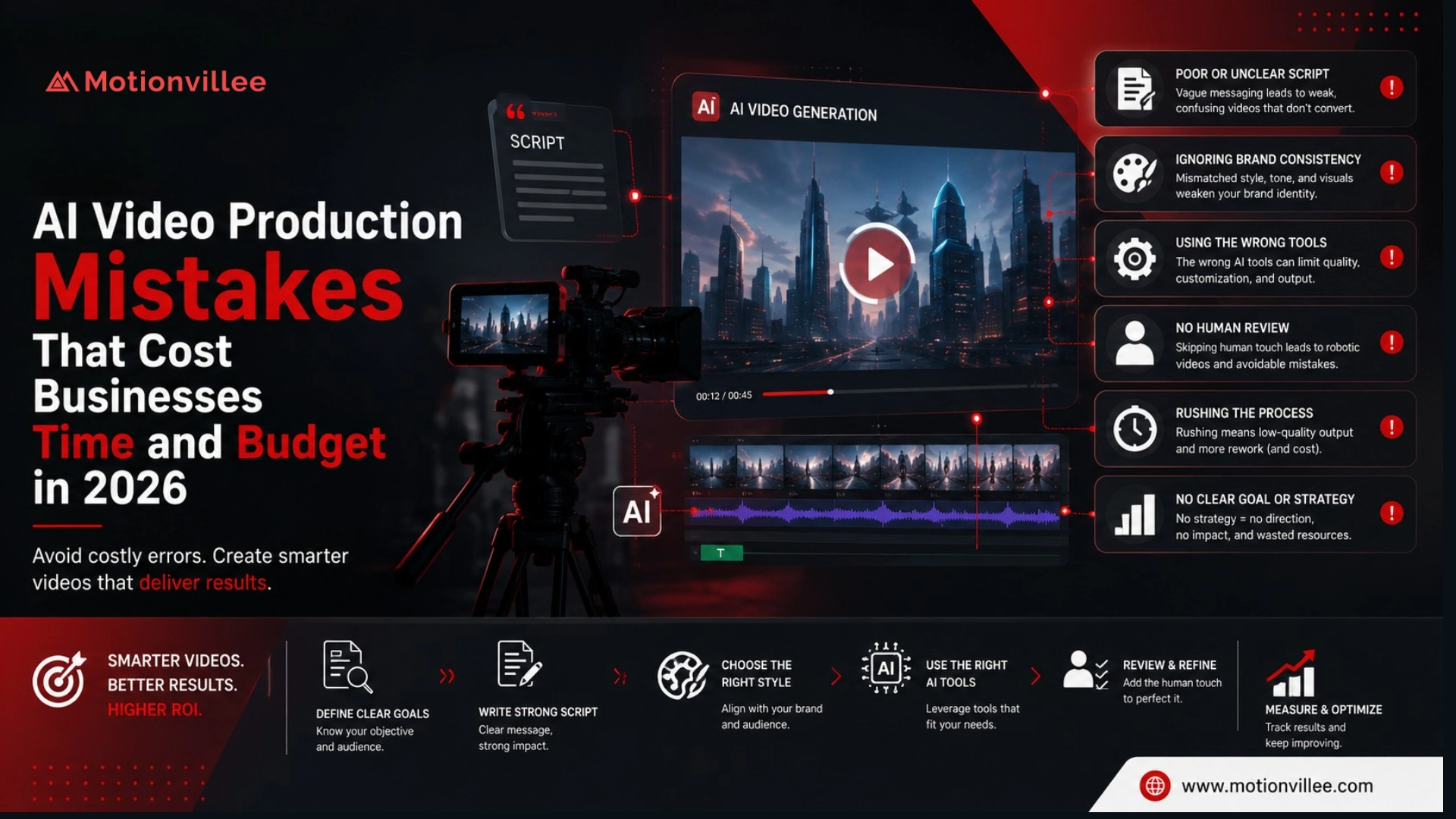
The most expensive mistakes usually fall into three areas:
| Mistake type | What it causes |
| Planning mistakes | Weak brief, unclear goal, wrong tool choice |
| Quality mistakes | Weak script, generic visuals, product inaccuracies |
| Workflow mistakes | Late revisions, too many stakeholders, unused versions |
The following mistakes show where AI video projects most often lose the speed and cost advantage they were supposed to create.
1: Starting Without a Clear Business Goal
The first mistake is starting production before deciding what the video should achieve.
A broad instruction like “create an AI video for our product” usually leads to generic scripts, generic visuals, and late debate about the CTA.
Before production starts, define whether the video is for awareness, demo clicks, sales follow up, onboarding, support, or customer education. Also define the audience, channel, message, CTA, and success metric.
This mistake costs time because unclear goals create more script rewrites, visual changes, and approval loops.
2: Expecting AI to Fix a Weak Script
A weak script creates a weak video, even when the AI tool looks impressive.
Common script problems include generic openings, too many ideas, feature heavy narration, no buyer problem, weak proof, vague claims, and a CTA added at the end.
This matters because the script controls buyer understanding. If the message is unclear, every later part of the video becomes harder to review and approve.
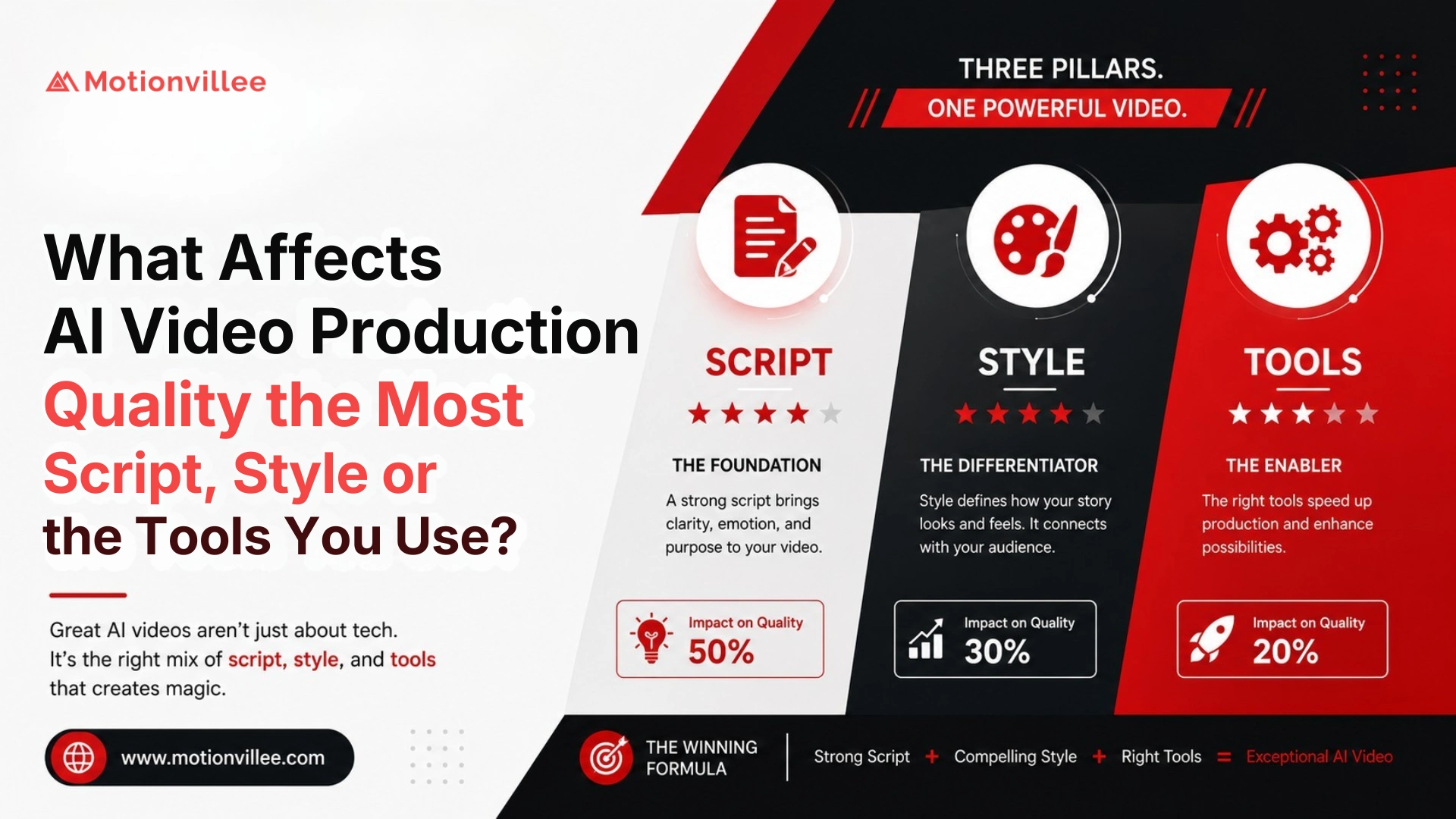
One of the most expensive [Link: what affects AI video production quality → /what-affects-ai-video-production-quality/] is script clarity because it shapes the rest of the video.
3: Choosing the Tool Before Defining the Video Job
The wrong AI tool can create output that looks finished but does not fit the video’s business role.
An avatar tool may work for training content, but it may not be right for a product launch video. A repurposing tool may work for webinar clips, but it may not be enough for an original sales explainer.
IAB reported that 86% of video ad buyers were using or planning to use generative AI to build video ad creative [IAB, 2025]. This shows strong market adoption, but it does not mean tool choice alone solves strategy, message, or buyer relevance. (IAB)
The tool should follow the video job, not the other way around.
4: Treating AI Output as Final Output
AI output should usually be treated as a draft, not the final business asset.
Even strong AI outputs need review for clarity, accuracy, brand fit, pacing, captions, visuals, product claims, and CTA alignment.
Publishing too quickly can damage trust. Fixing errors after a campaign goes live usually costs more than reviewing the video properly before delivery.
Vidyard’s 2025 benchmark report analyzed nearly 1 million B2B videos, which shows how large video has become across business communication [Vidyard, 2025]. The limitation is that this does not isolate AI video errors, but it supports why final quality control matters at scale. (Vidyard)
5: Using Generic Visuals That Do Not Explain the Message
AI can create visuals quickly, but not every visual helps the buyer understand.
Many weak AI videos use floating icons, random tech backgrounds, generic dashboards, overused stock footage, abstract visuals, unrelated avatar scenes, and mismatched styles.
The cost appears when the first version looks acceptable but does not explain the product. Teams then spend hours replacing scenes, rewriting narration, and trying to make the video useful.
Good visuals should reduce buyer confusion. They should not just make the video look modern.
6: Ignoring Product Accuracy
Product accuracy matters more in SaaS, fintech, cybersecurity, and tech videos because buyers notice when details are wrong.
AI can simplify complex ideas, but it can also make wrong assumptions. Common issues include incorrect product claims, misleading workflow explanations, oversimplified technical details, wrong UI examples, and unsupported benefit claims.
This mistake costs budget because product, legal, compliance, or sales teams often catch problems late. Late corrections can affect script, visuals, voiceover, captions, and final files.
As an AI video production company, Motionvillee treats product review as a trust protection step, especially when videos are used for sales, website pages, or paid campaigns.
7: Trying to Show Too Much in One Video
A crowded AI video is harder to understand, harder to edit, and harder to use.
AI makes it tempting to add more features, scenes, messages, audiences, CTAs, proof points, and versions. But more content can reduce clarity.
A focused AI video is usually more useful than a crowded one. One audience, one problem, one message, and one next step usually make the asset easier to approve and easier to measure.
This mistake affects both video budget and campaign usefulness because extra ideas create extra review work.
8: Skipping Story Planning
Skipping story planning may feel faster, but it often creates more rework later.
The team should know what each scene must explain before production begins. This includes scene order, product moments, on screen text, visual logic, CTA placement, and what should not appear.
Without that planning, teams discover visual problems only after the video has been generated or edited.
If timing is already tight, this can remove the speed advantage AI was supposed to create. For planning realistic delivery, read [Link: AI video production timeline → /ai-video-production-timeline/].
9: Not Planning Revisions Before Production Starts
AI video projects can still get stuck in revision loops.
This happens when teams do not define who gives feedback, how many rounds are included, and what kind of changes are allowed.
Common causes include too many reviewers, contradictory comments, late script changes, voiceover changes after editing, new format requests after delivery, and product updates during production.
Revision loops create the most common answer to what causes AI video production delays: unclear ownership.
10: Measuring Success Only by Speed or Cost
A fast video is not successful if no one uses it.
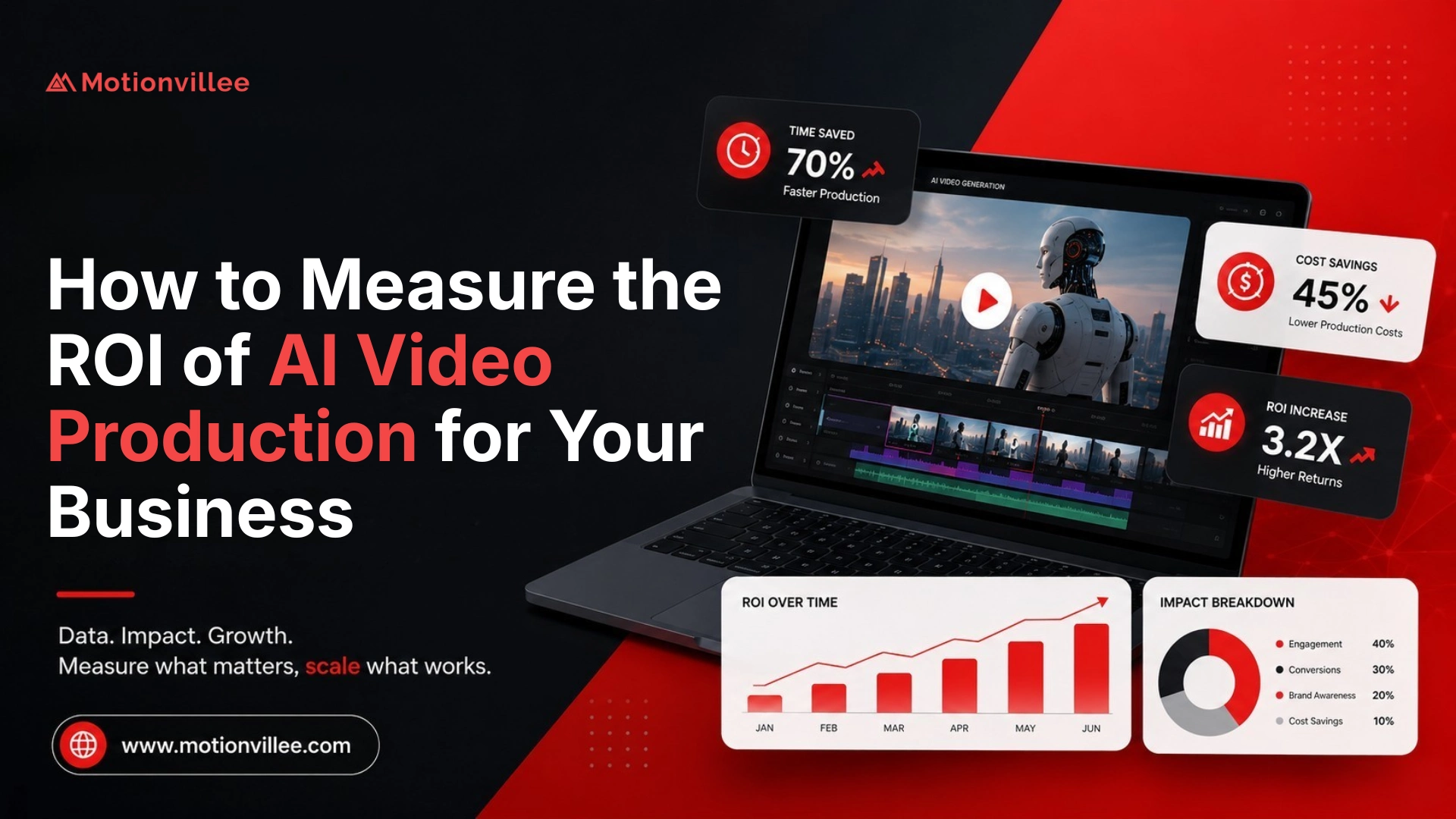
Teams often create AI video production budget mistakes when they measure only speed, tool cost, or number of outputs.
Better metrics include cost per usable asset, sales usage, demo clicks, landing page engagement, paid ad performance, onboarding completion, and support ticket reduction.
Wyzowl reports that 85% of video marketers say video helped generate leads, 83% say it increased sales, and 57% say it reduced support queries [Wyzowl, 2026]. These are self reported outcomes, so they should guide measurement, not replace your own attribution model. (Wyzowl)
11: Creating Too Many Versions Without a Distribution Plan
More versions are not better if they do not have a channel, audience, message, and CTA.
AI makes it easier to create social cuts, paid ad versions, sales clips, email versions, website videos, training clips, and localized versions.
But without a distribution plan, teams create assets that never get published, tested, or used by sales.
This is one reason why AI video projects’ waste budget has a simple answer: unused assets still cost time.
12: Rushing High Trust Videos
Some AI videos can be produced quickly, but not every business video should be rushed.
Website explainers, SaaS explainers, product launch videos, sales enablement videos, investor videos, customer education videos, and compliance sensitive videos need more review.
IAB’s consumer research on AI in ads points to a widening gap between advertiser use of AI and consumer comfort with AI created advertising [IAB, 2026]. That does not mean brands should avoid AI, but it does mean trust and quality need attention in public facing video. (IAB)
For higher trust assets, [Link: AI video production quality → /ai-video-production-quality/] should matter as much as speed.
Which Mistakes Cost the Most Time and Budget?
Some AI video mistakes are mainly slow delivery. Others increase spend or weaken ROI.
| Mistake | Main cost |
| Weak brief | Time and rework |
| Weak script | Time, budget, quality |
| Wrong tool | Budget and usability |
| No story planning | Time and visual rework |
| Product inaccuracy | Review delay and trust risk |
| Too many stakeholders | Timeline delay |
| Too many versions | Budget and review load |
| No distribution plan | Wasted assets |
| Measuring only speed | Poor ROI visibility |
This is a Motionvillee planning model based on recurring project review patterns, not a public benchmark.
How Can Businesses Avoid Bad AI Videos?
Businesses can avoid most AI video production errors by treating AI as part of a clear workflow.
Start with the business goal. Choose one audience. Write a clear brief. Approve the script before production. Plan the story. Choose the tool based on the job. Review product accuracy early. Limit stakeholder feedback. Plan versions before editing. Measure success after launch.
The better question is not only what mistakes should businesses avoid in AI video production.
It is:
What needs to be decided before production so AI does not create more rework later?
Motionvillee brings 15+ years of production experience to AI video production, helping B2B brands use AI where it saves time while keeping human review where clarity, trust, and pipeline impact matter most.