

What We Expected Before Testing AI Video Production
We expected AI video production to save time, but we did not expect it to cut the workflow nearly in half.
The assumption was simple. AI would help with first drafts, captions, rough edits, and format changes. But strategy, message clarity, product accuracy, approvals, and final review would still take almost the same time.
That assumption was partly right. AI did not remove the production process. It reduced the friction between production stages.
This matters now because AI is moving from experiment to operating workflow. IAB reported that nearly 90% of advertisers were using or planning to use generative AI for video ads, and buyers projected generative AI creative could reach 40% of all ads by 2026 [IAB, 2025]. That shows fast adoption, but it does not prove every AI assisted video saves time or performs better. (IAB)
Motionvillee is an AI video production company for SaaS, tech, cybersecurity, fintech, and finance brands that need faster video output without losing buyer clarity. For the broader planning view, read [Link: AI video production timeline → /ai-video-production-timeline/].
What Kind of AI Video Production Workflow We Tested
We tested AI across a practical business video workflow, not a tool demo.
The workflow included brief review, script draft, script rewrite, storyboard options, visual direction, voiceover testing, rough edit, captions, resizing, social cutdowns, and final review.
That distinction matters. A single AI tool can look fast in isolation. The real question is whether AI saves time when the final asset still has to be accurate, branded, approved, and usable for marketing or sales.
Where AI Saved the Most Time
AI saved the most time in early draft work, repeated tasks, and version creation.
The biggest gains came from moving faster from a blank page to usable options. AI helped create script options, hook variations, storyboard directions, voiceover tests, captions, rough edits, social cutdowns, format versions, and version plans.
The strongest time saving was not in replacing people. It was in reducing waiting time between small production decisions.
HubSpot’s 2026 State of Marketing reports that AI is now central to marketer workflows, with AI supported personalization and content creation becoming a major trend [HubSpot, 2026]. That supports the broader shift toward faster content operations, though it does not isolate video workflow time savings. (HubSpot Blog)
Where AI Did Not Save as Much Time
AI did not save as much time in strategy, message clarity, product accuracy, and final approval.
These stages still needed human judgment. A tool can create five script options quickly, but someone still has to decide which one matches the buyer, the funnel stage, and the CTA.
AI also did not remove product review. For SaaS, fintech, cybersecurity, and tech videos, one wrong product claim can create late revisions and weaken buyer trust.
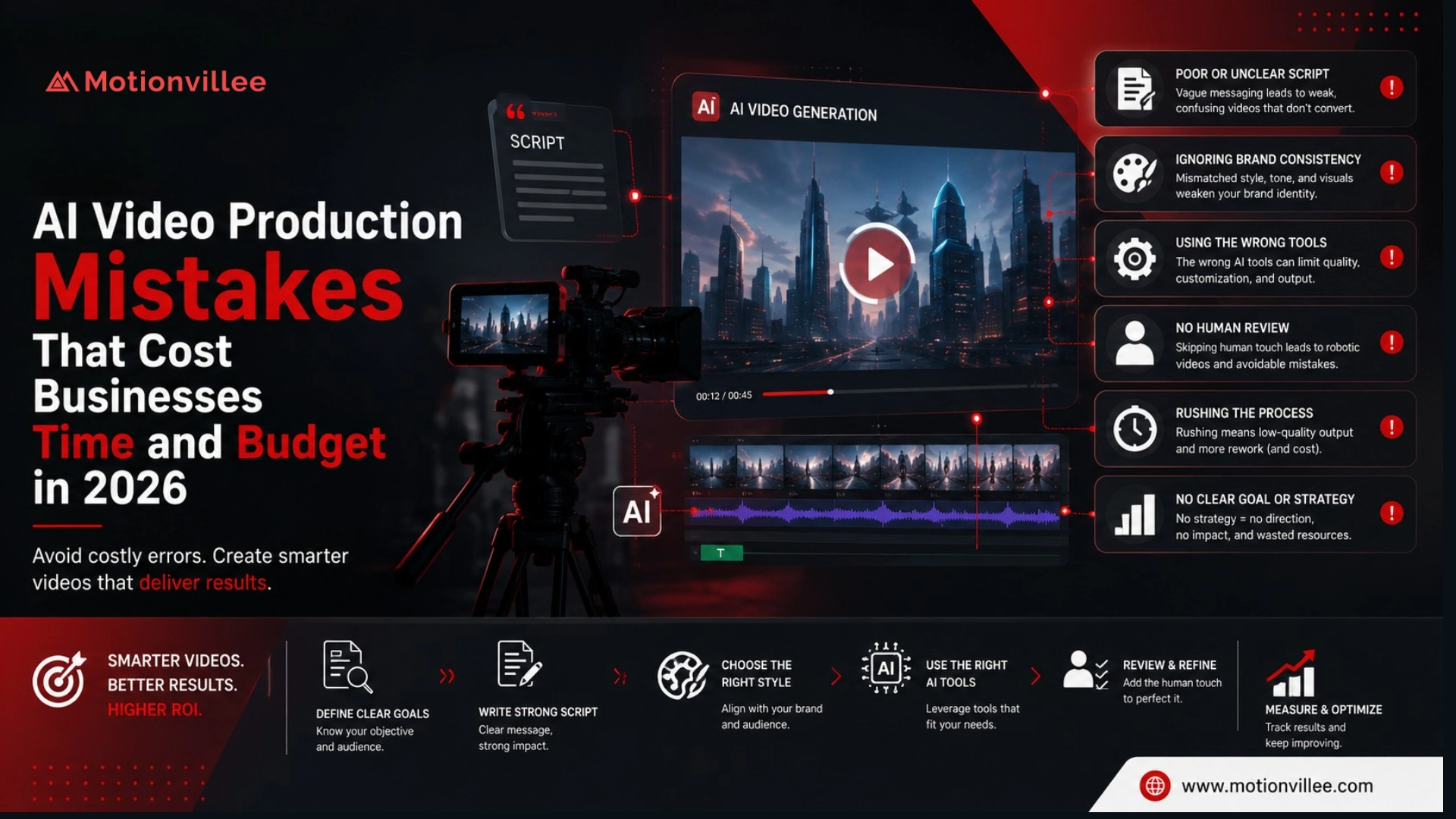
This is where many teams make costly assumptions. Faster production can still lead to delay if the review process is unclear. For common risks, read [Link: AI video production mistakes → /ai-video-production-mistakes/].
What Changed in the Brief Stage
The brief stage became faster only when the input was already clear.
AI helped summarize the brief, extract buyer pain points, list video angles, identify missing information, and pressure test whether the project had enough direction.
But when the brief was vague, AI did not solve the problem. It exposed the gaps faster.
That changed how we use AI. We stopped treating the brief as a static input and started using AI to test the brief before writing the script.
What Changed in the Script Stage
The script stage saw one of the biggest time savings.
AI helped create first drafts, shorter versions, hook options, CTA variations, and alternate structures. This reduced blank page time and gave the team more options earlier.
But the first draft was not the final script. Many AI generated lines were too broad, too polished, or too generic for a serious B2B buyer.
The workflow change was clear: AI became useful for starting points, not final messaging.
As an AI video production company, Motionvillee uses AI to speed up script exploration while keeping human review focused on buyer relevance, product accuracy, and business action.
What Changed in Storyboard and Voice Testing
AI made storyboard and voice testing faster, but human filtering still decided what was usable.
In storyboarding, AI helped create more visual directions, before and after concepts, product scene ideas, and metaphor options. Some were useful. Some looked good in text but did not explain the product clearly.
In voice testing, AI helped check script length, pacing, pronunciation, and tone earlier. This reduced the chance of discovering timing problems during final editing.
The practical change was simple. We now test pacing earlier, not after the video is nearly complete.
What Changed in Editing and Versions
Editing became faster for rough cuts, captions, resizing, and cutdowns.
AI handled repeated editing tasks better than expected. Captions, transcript based edits, rough cuts, trimming, resizing, and social formats moved faster.
That changed the editor’s role. Less time went into mechanical cleanup. More time went into pacing, clarity, and final judgment.
Versioning changed even more. Instead of treating LinkedIn cuts, paid ad versions, vertical clips, sales snippets, and captioned versions as late tasks, we planned them earlier.
Vidyard’s 2025 benchmark report analyzed nearly 1 million B2B videos, showing how large video creation has become across business communication [Vidyard, 2025]. The report is not an AI only benchmark, but it supports the need for scalable video workflows. (Vidyard)
Where AI Created Extra Work
AI created extra work when the output looked usable but needed deeper review.
The main issues were generic script lines, wrong product assumptions, weak scene logic, repeated ideas, inconsistent visuals, caption corrections, and too many options to review.
That is the hidden tradeoff. AI can create more options quickly, but more options still need filtering.
So does AI make video production faster? Yes, when the team has a clear review system. No, when AI output creates more decisions than the team can process.
What Actually Changed in the Timeline
The timeline was cut because AI reduced movement time between stages, not because every stage became faster.
| Production stage | What we expected | What actually changed |
| Brief review | Slight time saving | Faster gap finding |
| Script | Moderate time saving | Much faster first drafts |
| Storyboard | Slight time saving | More options faster |
| Voiceover testing | Moderate time saving | Faster pacing checks |
| Editing | Moderate time saving | Faster rough cuts and captions |
| Cuttedowns | Slight time saving | Much faster versioning |
| Final review | Similar timeline | Still needed human judgment |
| Approvals | Similar timeline | Still depended on stakeholders |
This is the key answer to where does AI save time in video production. It saves the most time where tasks are repeatable, draft based, or format based.
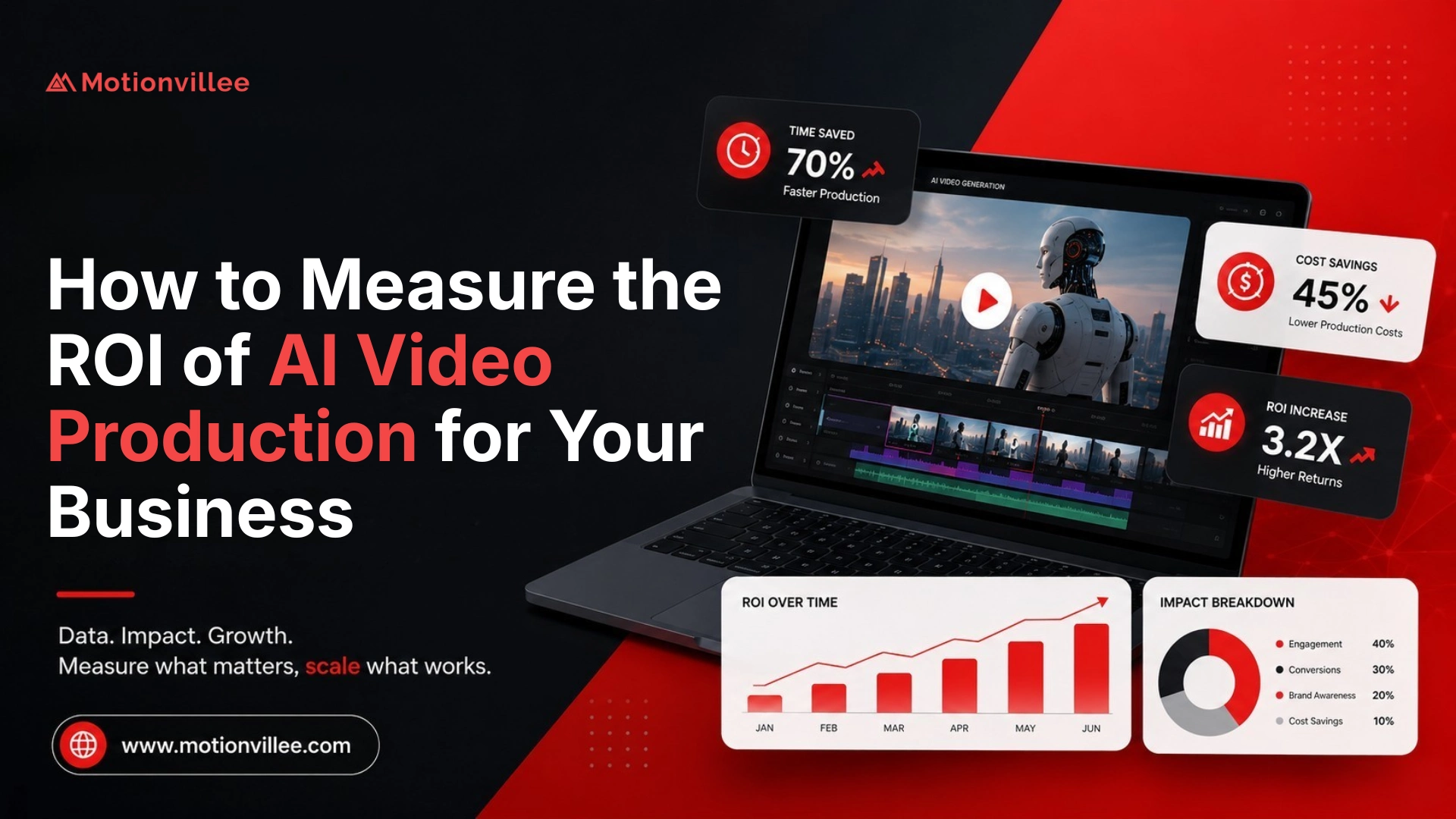
For cost related workflow impact, read [Link: AI video production cost study → /ai-video-production-cost-study/].
What This Means for Businesses Planning AI Video Production
Businesses should expect AI video production to be faster, but not instant.
The speed depends on brief clarity, review ownership, output complexity, stakeholder count, and final quality expectations.
| Business situation | Time saving potential |
| Clear brief and simple video | High |
| Existing webinar or long form content | High |
| Social clips and ad versions | High |
| AI avatar update video | High |
| Complex SaaS explainer | Moderate |
| Website hero video | Moderate |
| Multiple stakeholder approvals | Lower |
| Unclear message | Low |
The main lesson is practical: AI video production saved time when the inputs were clear and the review rules were simple.
How to Use AI to Save Time Without Losing Quality
Use AI for speed and human review for trust.
Use AI to summarize the brief, create script options, test hooks and CTAs, generate storyboard directions, test voice timing, create rough edits, add captions, and produce format versions.
Use human review for strategy, accuracy, brand tone, product logic, final pacing, and approval.
This is where AI video production workflow changes matter most. The best workflow does not push AI into every decision. It assigns AI to the tasks where speed helps and keeps people in the places where judgment protects quality.
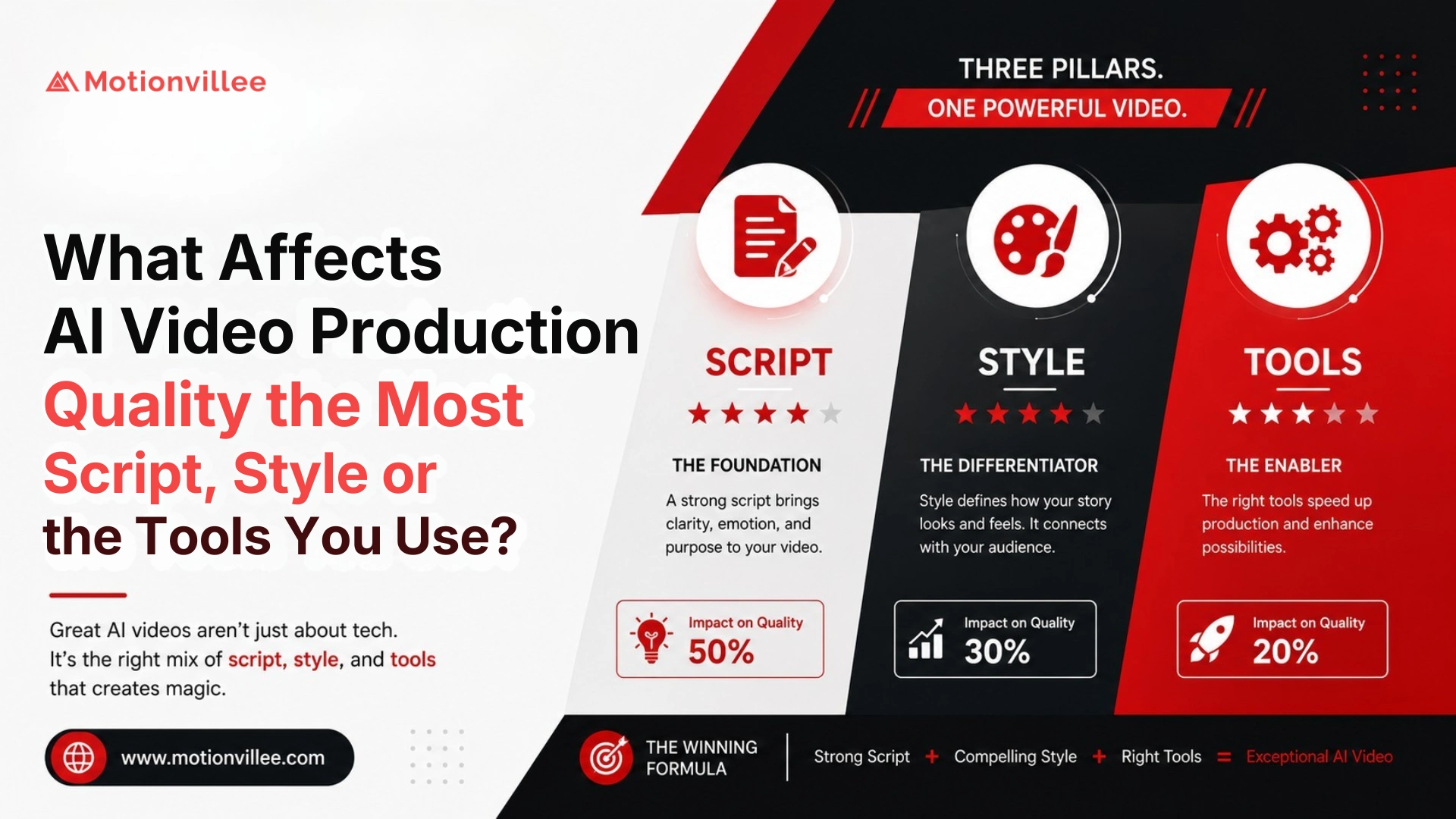
For quality planning, read [Link: what affects AI video production quality → /what-affects-ai-video-production-quality/].
What We Would Do Differently Next Time
Next time, we would plan versions earlier and lock the script sooner.
We would define the main video, social cuts, paid ad versions, and sales clips at the start. We would approve the script before visual exploration. We would use AI voice testing earlier. We would limit the number of AI options reviewed. We would also assign one feedback owner before production begins.
That is the clearest answer to what changes when AI reduces production time: the workflow becomes more front loaded. The better the early decisions, the more time AI can save later.
Final Takeaway: What Actually Changed?
AI video production took less time because AI made repeated production tasks move faster.
It helped most with drafts, options, voice testing, captions, rough edits, cutdowns, and versions.
But it did not remove the need for a strong brief, clear script, product accuracy, brand review, or final judgment.
So the better question is not only how much time does AI video production save.
It is:
Which parts of your workflow are slow because of repeated tasks, and which parts are slow because your team has not made the decision yet?
Motionvillee brings 15+ years of production experience to AI video production, helping B2B brands use AI to improve video turnaround while keeping human judgment where trust, clarity, and pipeline impact matter most.