
6 Proven Tips to Create Effective Short Explainer Videos (2026 Guide)
In today’s fast-paced digital landscape, short explainer videos have become an indispensable tool for businesses. Understanding what is an explainer video and its strategic role helps businesses approach video creation as a conversion tool rather than just content. These concise videos are a powerful medium to communicate complex ideas quickly and effectively. With the right strategy, short explainer videos can significantly increase understanding, engagement, and conversions.
Here are six proven tips to help you create impactful short explainer videos that captivate your audience and deliver results.
1. Define Your Objective Clearly
Before starting production, it’s essential to define a clear objective for your explainer video. Understanding your goal allows you to create a focused and effective message.
Identify Your Target Audience
Knowing your audience is crucial for crafting a message that resonates. Tailor the tone, language, and content of your video to meet the specific needs and preferences of your target demographic.
Set Measurable Goals
Set clear, measurable goals to assess the success of your explainer video. Whether it’s increasing website traffic, generating leads, or promoting brand awareness, defining what success looks like will help you stay on track and optimize your efforts.
Understanding how long it takes to produce a customized explainer video helps you plan realistic timelines that align with your launch dates and marketing campaigns.
2. Craft a Compelling Script
The script is the foundation of your explainer video. A well-crafted script engages your audience and delivers your message with clarity and impact.
Start with a Hook
The first few seconds of your video are critical. Capture your audience’s attention by opening with a question, a surprising fact, or a relatable situation. Your hook should spark curiosity and encourage viewers to keep watching.
Keep it Concise
Short explainer videos typically range from 60 to 90 seconds, so it’s important to be concise. For ultra-short formats, how to make a 30-second explainer video provides specific guidance on condensing messages to their essence. For slightly longer formats that handle more complexity, how to explain complex products with a 90-second explainer video demonstrates effective structure.
Aim for a script of around 150-200 words that focuses on the key points. Avoid unnecessary jargon and make sure your message is simple and to the point.
Structure Your Content
Organize your script into three clear sections: the problem, the solution, and the call to action. Present a relatable problem, position your product or service as the solution, and conclude with a strong call to action that drives viewers to take the next step.
3. Use Engaging Visuals
Visuals are a critical component of your explainer video. Engaging and well-designed visuals can help convey your message more effectively and keep viewers interested.
Choose a Consistent Visual Style
Whether you choose animation, live-action, or a combination of both, it’s important to maintain a consistent visual style throughout your video. A cohesive style strengthens your brand identity and makes your content more professional.
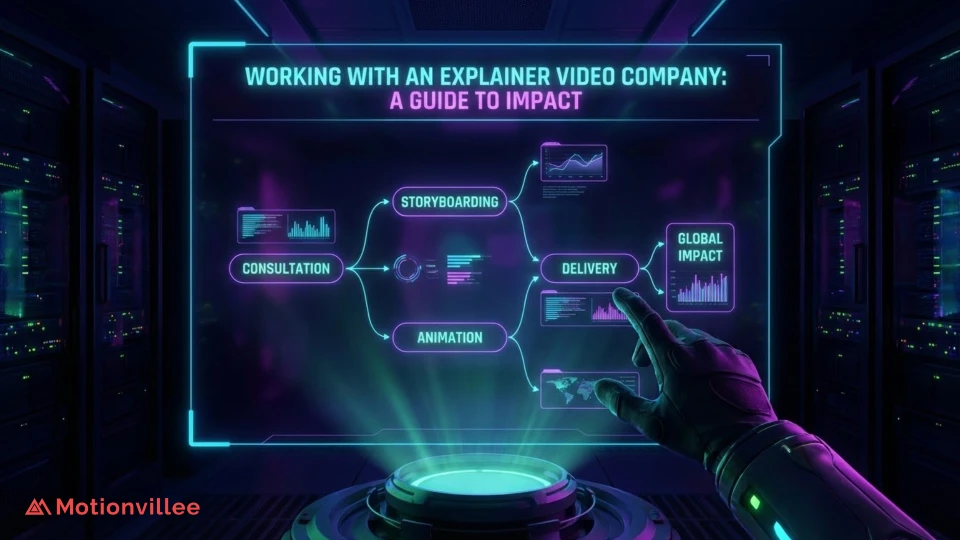
The strategic approach to visual planning is detailed in how SaaS explainer videos are made inside our storyboarding process, which reveals how professional teams translate concepts into effective visual sequences.
Incorporate Graphics and Animation
Utilize graphics, text overlays, and animations to illustrate key points. These elements help break down complex information and make your video more engaging. Consider using animated characters or infographics to add a relatable and visually appealing touch.
Understanding the animation process behind high-converting SaaS explainer videos helps teams make strategic animation decisions that directly impact viewer engagement and conversion rates.
Maintain a Good Pace
Ensure that your visuals are synchronized with the script. Avoid overwhelming your audience with too much information at once. Use pauses and smooth transitions between scenes to maintain a steady pace and keep viewers engaged.
4. Optimize for Sound
Sound quality can make or break an explainer video. Proper sound design enhances the overall viewing experience and ensures that your message is clearly understood.
Choose the Right Voiceover
A professional voiceover can elevate the quality of your explainer video. Select a voice that matches your brand’s tone and resonates with your audience. Whether you need a friendly and approachable tone or a more authoritative voice, the right voiceover can make your video more relatable.
For teams handling voiceover coordination, how to record voice over for explainer videos provides practical guidance on achieving professional audio quality.
Background Music and Sound Effects
Background music sets the mood for your video. Choose music that complements your message without overpowering the voiceover. Subtle sound effects can also enhance the viewing experience, but use them sparingly to avoid distractions.
Ensure Clarity
Make sure that the voiceover is clear and easy to understand. Avoid using complex terminology or heavy accents unless it aligns with your brand’s identity and audience.
5. Include a Strong Call to Action (CTA)
A clear and effective Call to Action (CTA) guides viewers on what to do next after watching your video. This step is crucial for driving engagement and conversions.
Be Clear and Specific
Your CTA should leave no room for ambiguity. Whether you want viewers to visit your website, sign up for a newsletter, or request a demo, make sure your instructions are clear and direct.
Create a Sense of Urgency
Encourage viewers to act quickly by creating urgency with phrases like “limited-time offer” or “sign up now.” This sense of urgency can motivate immediate action and increase conversion rates.
Strategic CTA Placement
Position your main CTA at the end of the video, but consider reinforcing it earlier as well. Mention the desired action midway through the video to remind viewers of what’s to come.
6. Test and Iterate
After creating your explainer video, testing and iteration are key to refining its effectiveness. Understanding the complete process of creating animated explainer video includes this critical refinement phase.
Gather Feedback
Share your video with a select group of colleagues, customers, or your target audience. Ask for feedback on clarity, engagement, and the overall message. This feedback will provide insights into areas for improvement.
Analyze Performance Metrics
Use video analytics tools to track key performance indicators such as view count, engagement rate, and conversion rate. Understanding how your video performs will help you assess its effectiveness.
Make Necessary Adjustments
Based on feedback and performance data, make necessary adjustments to improve your video. Whether it’s tweaking the script, adjusting visuals, or re-recording the voiceover, continuous iteration is vital to maximizing the impact of your explainer video.
Understanding the explainer video revision process and how to keep quality high without slowing delivery helps teams structure feedback cycles efficiently for thorough refinement without endless iteration delays.
Conclusion
Creating an effective short explainer video requires careful planning, creativity, and attention to detail. By clearly defining your objective, crafting a compelling script, using engaging visuals, optimizing sound, incorporating a strong CTA, and continuously testing and refining your video, you can create a powerful tool that communicates your message and drives results.
In 2026, with attention spans continuing to shrink and video consumption reaching all-time highs across mobile and social platforms, a well-executed explainer video remains more critical than ever for cutting through digital noise.
Ready to create videos that turn viewers into customers? Motionvillee provides professional explainer video production services that deliver measurable results. As a specialized video production company serving businesses across the USA, we understand how to craft videos that engage your audience and deliver qualified leads straight to your sales funnel. Get in touch today!