
What 15 Product Demo Videos I Compared and Why
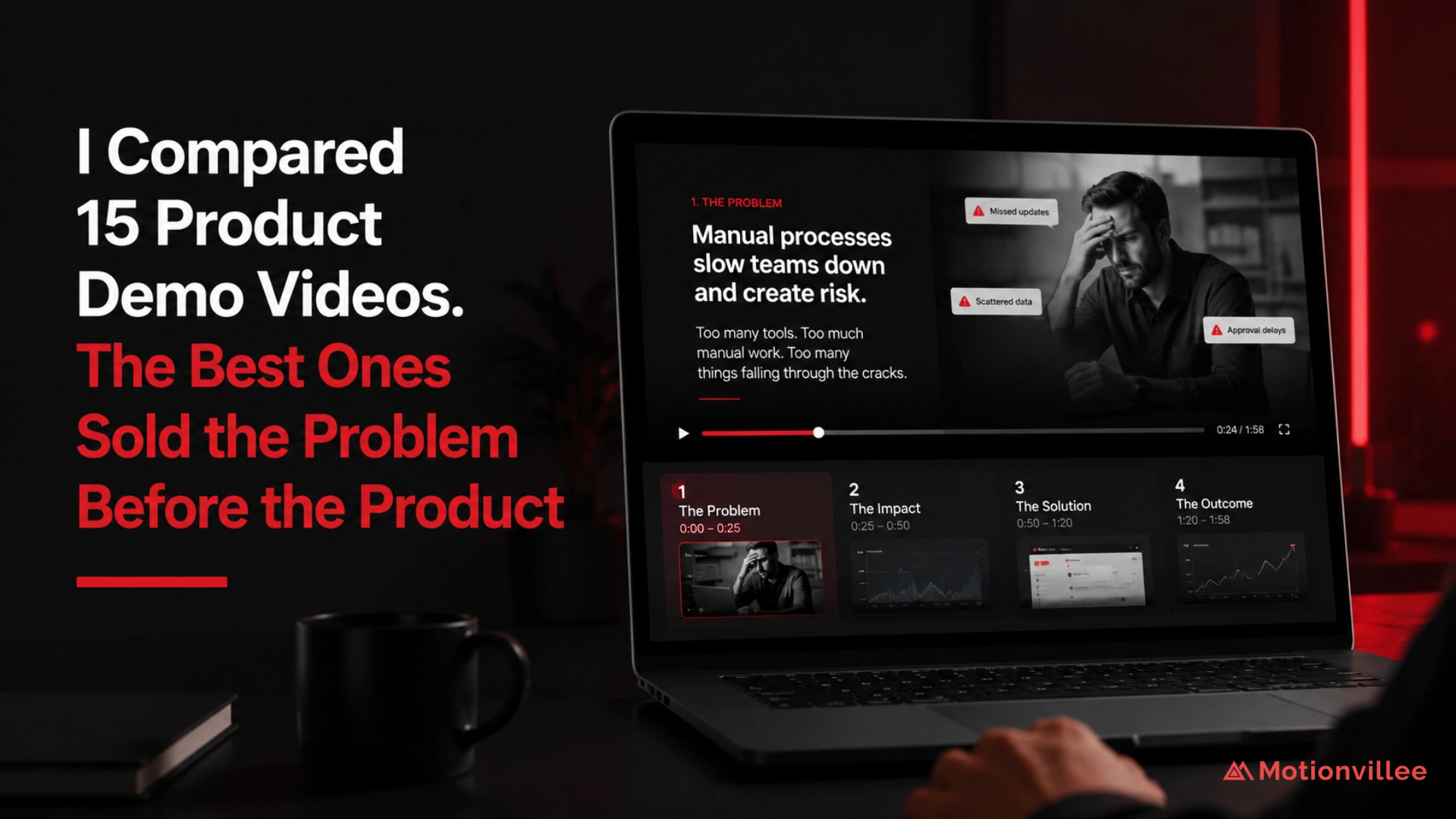
I compared 15 product demo videos because most businesses still treat demos like product walkthroughs.
They start with the dashboard. Then they move into features. Then they explain workflows.
But buyers do not evaluate software that way.
A buyer first wants to know what problem the product solves, why it matters now, and whether the solution is worth exploring. Gartner reports that 67% of B2B buyers prefer a rep free experience [Gartner, 2026]. That means the demo video often has to create clarity before sales enters the conversation.
The 15 product demo videos I compared included HubSpot CRM, Intercom, Airtable AI, Clari, Amplitude, Vanta, Linear, Close CRM, Cognism, Notion, Slack, Loom, Monday.com, Asana, and Salesforce.
I chose them because each had a different challenge. Some had to explain complex dashboards. Some had to show workflow value. Some had to make flexible products feel simple. Some had to build trust around risk, compliance, or revenue impact.
The goal was not to find the most polished demo.
The goal was to understand which demos made the product easier to understand, easier to trust, and easier to evaluate. For broader SaaS video planning context, The Complete Guide to Explainer Video Production for SaaS is useful because the same buyer first logic applies before production starts.
To keep the comparison grounded, I reviewed a mix of public product demos, official demo pages, and available product walkthroughs from these brands. The goal was not to rank the brands, but to study how different demos handled problem setup, product timing, feature selection, proof, and CTA clarity.
Why Product Demo Videos Are Easy to Get Wrong
Product demo videos are easy to get wrong because teams often think the product itself is the story.
It is not.
For the buyer, the product only matters after the problem feels relevant. A demo can show every screen and still fail if the viewer does not understand why those screens matter.
Wyzowl reports that 96% of people have watched an explainer video to learn more about a product or service [Wyzowl, 2026]. This does not prove every demo converts, but it shows that buyers use video to reduce confusion before they act.
That is why a good demo should not feel like a software tutorial.
It should make the buyer think, “This solves something we deal with.”
How I Reviewed the Product Demo Videos
I reviewed each demo by looking at the journey from opening to CTA.
I did not focus only on visuals, interface quality, animation, or production style. Those things matter, but they cannot fix unclear messaging.
I looked at whether the video helped the buyer move from confusion to clarity.
The review focused on opening hook, buyer problem, product introduction timing, use case clarity, feature selection, screen flow, before and after contrast, proof, CTA, sales usefulness, and whether the product felt easier to evaluate after watching.
The core question was simple:
Did the demo help the buyer understand why the product matters?
What I Found First: Many Demos Started Too Deep Inside the Product
The first pattern I noticed was that many product demo videos started inside the tool before explaining the buyer problem.
They opened with dashboards, menus, integrations, settings, workflows, or feature screens.
That created a gap.
The viewer could see the product, but they did not yet know why they should care.
This is where many demos become hard to follow. They assume the viewer already understands the problem, the urgency, and the business value.
That assumption is risky in B2B buying, where multiple people often influence the decision. If the first viewer cannot explain the value internally, the demo may not support the buying process.
What the Strongest Product Demo Videos Did Differently
The strongest demos did not rush into the product.
They first helped the buyer recognize the problem.
Then they introduced the product as the natural next step.
The pattern was clear: buyer situation, pain point, cost of the current way, product introduction, one main use case, feature tied to outcome, proof, and clear next step.
The product appeared when the viewer was ready to understand its value.
That order made the demo feel less like a tour and more like a business case.
For example, the Salesforce CRM demo is useful here because it does not only show screens. It first frames the problem of scattered customer data, then shows how the CRM brings that information into one place. That makes the product easier to evaluate because the viewer understands the business reason before seeing the workflow.
The Main Difference I Noticed Across the 15 Product Demo Videos
The biggest difference was not production quality.
It was the order of explanation.
| Demo Area | Weak Product Demo | Strong Product Demo |
| Opening | Starts with product screen | Starts with buyer problem |
| Focus | Shows many features | Shows one clear use case |
| Message | Product led | Problem led |
| UI flow | Walks through menus | Follows buyer goal |
| Language | Internal product terms | Buyer friendly language |
| Visuals | Dashboard heavy | Outcome focused |
| Proof | Missing or delayed | Connected to the claim |
| CTA | Generic ending | Clear next step |
| Result | Viewer sees the product | Viewer understands the value |
The strongest demos did not hide the product.
They simply gave the product context first.
Why Selling the Problem First Made the Demo Stronger
Selling the problem first made the demo stronger because it gave the product a reason to exist.
The viewer did not have to guess the value. They could see the pain, understand the friction, and then watch the product solve it.
This matters because B2B buyers often research independently before speaking with sales [Gartner, 2026]. A product demo that explains the problem clearly can reduce early confusion and make the next sales conversation more focused.
A strong problem setup also makes the CTA feel more natural.
If the demo shows a real issue, shows why it matters, and shows how the product helps, the next step does not feel forced.
Example reference: Vanta’s product demo fits this section because compliance software is not easy to sell through features alone. The buyer first needs to understand the risk, the evidence gap, and the trust problem before the platform screens feel valuable.
What I Found About the First 30 Seconds
The first 30 seconds decided whether the demo felt useful or like a walkthrough.
The strongest videos used the opening to frame a recognizable problem.
Examples of stronger opening angles included:
- “Your team should not need three tools to understand one customer.”
- “Most reporting delays do not start in reports. They start in disconnected workflows.”
- “If your sales team spends more time updating data than using it, the problem is not effort. It is visibility.”
Vidyard reports that videos under one minute retain 65% of viewers to the end, while videos over 20 minutes retain only 20% [Vidyard, 2024]. This does not mean every product demo should be under one minute. It means the opening has to create relevance quickly.
What I Found About Feature Selection and Screen Flow
The best product demo videos did not show every feature.
They selected the few features that proved the core value.
One use case worked better than five partial workflows. Each feature answered a buyer question. Each screen supported the same business outcome.
Weak demos moved from feature to feature.
Strong demos moved from problem to outcome.
Instead of showing every dashboard filter, a stronger demo showed how a buyer finds the exact insight they need faster. Instead of walking through menus, it followed the buyer’s goal.
That is the difference between product depth and buyer clarity.
What I Found About Product Language and Proof
Some demos became harder to follow because they used internal product language.
The strongest demos used language the buyer already understood.
They translated product terms into business meaning. They did not say “custom workflow automation” without showing what changed. They showed manual work reducing, decisions moving faster, or risk becoming easier to manage.
Proof also mattered.
If the demo said the product saves time, the video needed to show how. If it said the product improves visibility, it needed to show what becomes visible.
Proof worked best when it appeared close to the claim.
What Businesses Should Stop Doing With Product Demo Videos
Businesses should stop treating product demo videos like full software walkthroughs.
They should stop starting with dashboards without context. They should stop showing every feature. They should stop using internal product language too early. They should stop making the viewer figure out the value alone.
They should also stop confusing product depth with demo strength.
A detailed demo is not always a strong demo.
A strong demo makes the buyer understand the product faster.
What Businesses Should Do Instead
Businesses should design product demo videos around the buyer’s problem and one clear use case.
Start with the problem. Show why it matters. Introduce the product as the answer. Choose one workflow. Tie features to outcomes. Use proof near the claim. End with one clear next step.
Content Marketing Institute reported that 61% of B2B marketers expected their organizations to increase investment in video in 2025 [CMI, 2025]. As budgets rise, demos need to support measurable business goals, not only product education.
Before approving a product demo video, ask:
| Review Question | Why It Matters |
| Does it start with a real buyer problem? | Builds relevance |
| Is there one clear use case? | Protects focus |
| Are features connected to outcomes? | Makes value clear |
| Does the screen flow follow a buyer goal? | Improves understanding |
| Is proof included near the claim? | Builds trust |
| Is the CTA specific? | Guides action |
What I Found After Comparing 15 Product Demo Videos
After comparing 15 product demo videos, the most useful finding was simple:
The strongest demos did not make the product wait forever.
But they also did not rush into it.
They created just enough problem context for the product to make sense.
That made the demo easier to follow, easier to trust, and easier to act on.
A good product demo video is not only about showing what the product does.
It is about showing why the product matters before the viewer gets lost in the product.
Comparison note: I did not treat these demos as identical assets because each product serves a different audience and buying context. The comparison focused on patterns across the videos, especially whether the demo started with product depth or buyer relevance.
For teams that need a strategic video partner before production starts, explore an Explainer Video Company