
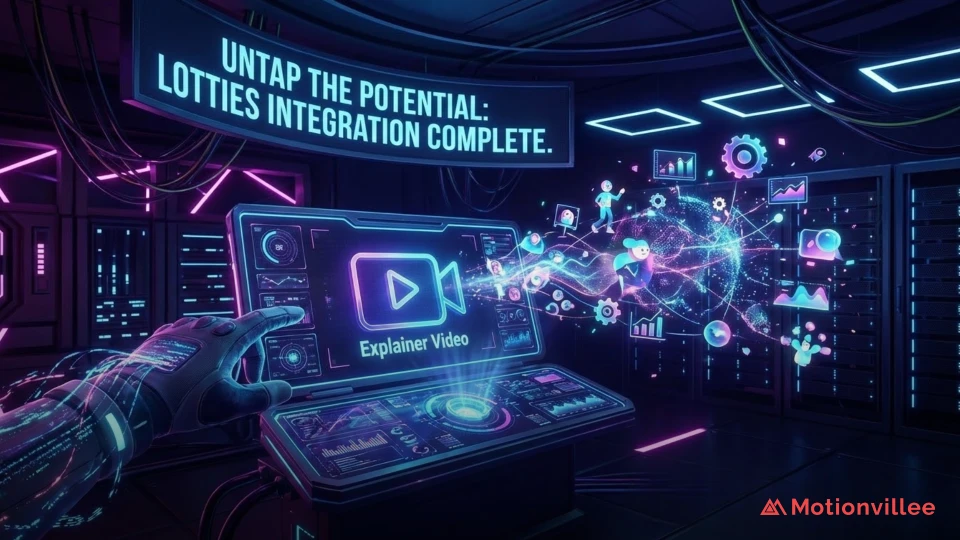
Untap the Potential of Your Explainer Video with Lotties
Your explainer video looks great. But is it slowing your page down?
This is the problem most teams don’t see coming. A beautifully produced video embedded on your site can quietly increase load times, hurt your SEO, and push mobile visitors away before they even press play.
Lottie animations for explainer videos solve exactly this. They give you the motion, storytelling, and visual impact of animation, without the file size, loading lag, or quality loss that holds most video formats back.
Over 250,000 companies including Google, Airbnb, TikTok, and Duolingo already use the format. Here’s why, and how to use it.
What Is a Lottie Animation?
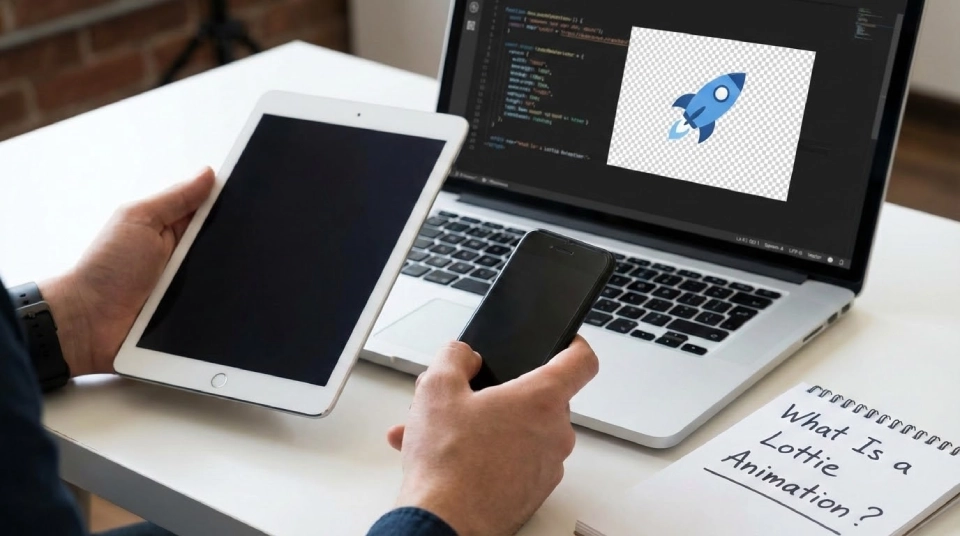
A Lottie is a JSON-based animation file that plays smooth, scalable motion graphics on any device without increasing file size or losing quality.
Think of it as animation that behaves like a static image, lightweight, fast, and infinitely scalable. Unlike a GIF or MP4, a Lottie file stays sharp at any screen size. Resize it from a phone to a billboard and it never pixelates.
It was originally created by a developer at Airbnb as a way to ship animations on mobile as easily as shipping static assets. The format has since become a standard tool in web design, app development, and increasingly in marketing content.
Understanding the video marketing basics helps you see exactly where Lotties fit, not as a replacement for video, but as a powerful complement to it.
Why Does File Size Matter for Your Video Content?
Page load speed directly affects how many people see your video, engage with your content, and stay on your site long enough to convert.
Google reports that the probability of a visitor bouncing increases 32% as page load time goes from one second to three seconds (LottieFiles). Every second your page takes to load is costing you visitors before they’ve seen a single frame.
Traditional video files are heavy. Lottie files cut web project load times by up to 70% compared to standard animated formats. They are also 600% smaller than GIFs while delivering smoother, higher-quality motion (Gitnux).
For any page where you’re using animation to explain your product or drive a conversion, that performance difference is significant.
What Can You Use Lottie Animations For?
Lotties work anywhere you need motion without the weight of a full video file.
The most common uses in video marketing and content production include:
- Website explainer sequences, animated product walkthroughs embedded directly in pages that load instantly
- Onboarding flows, step-by-step visual guides inside apps and dashboards
- CTAs and microinteractions, animated buttons, hover effects, and loading states that keep users engaged
- Email and landing page animations, lightweight motion that works without embedding a heavy video file
- Presentations and training modules, reusable animated assets that scale across slide formats and screen sizes
One ecommerce client that integrated Lottie animations for product displays saw a 40% increase in engagement on product pages. An educational platform using Lottie for interactive modules increased user retention by 30%.
How Do Lotties Complement Your Explainer Video?
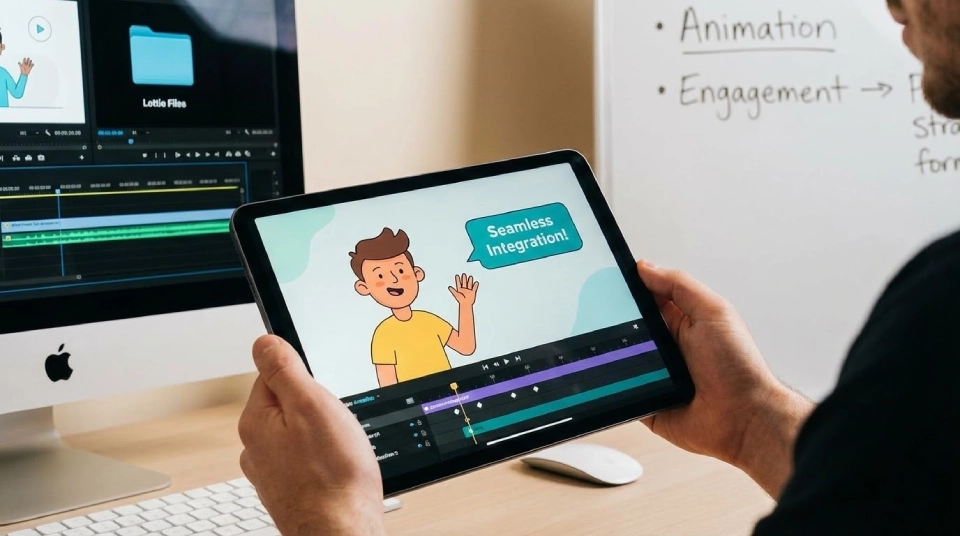
The smartest approach is to use both: video for the full narrative, Lotties for the supporting motion that surrounds it.
Your explainer video tells the story. Lotties handle everything around it, the animated icons, the feature callouts, the scrolling visual cues that guide a visitor from the hero section to the CTA without ever making the page feel slow.
When you create video content with this approach, the video itself doesn’t carry the full burden of keeping visitors engaged on every part of the page. Lotties do the work in between, reducing bounce rate while the video focuses on conversion.
This is especially valuable for B2B SaaS companies where product pages need to explain complex workflows before a visitor will book a demo. Motion guides attention. Attention drives decisions.
What Makes Lottie Animations Good for SEO?
Lottie animations improve Core Web Vitals, the Google metrics that directly influence your search rankings.
Google’s Core Web Vitals measure how fast your page loads, how stable the layout is, and how quickly it responds to user input. Lottie animations are designed to improve all three.
They are also programmatically controlled, which means animations can be paused or hidden for users with motion sensitivity, keeping your content accessible and aligned with Web Content Accessibility Guidelines.
Lower bounce rates, faster load times, and better accessibility signals all contribute to stronger rankings. The elements of high-performing videos include designing for real viewing conditions, and Lotties are built exactly for that.
How Do You Create a Lottie Animation?
The standard workflow is to create the animation in Adobe After Effects and export it as a JSON file using the Bodymovin plugin.
From there the file can be used on any platform, mobile apps, websites, presentations, or embedded alongside video content. It plays on any device without additional rendering or file conversion.
For teams without an in-house animator, libraries like LottieFiles offer ready-made animations that can be customized and deployed quickly. For brand-specific motion that needs to match your visual identity, a specialist studio can produce custom Lotties that work seamlessly alongside your existing explainer video assets.
To see how the format works in practice alongside different video styles and formats, browsing real explainer video examples shows you how motion design choices play out in finished content.
Choosing the right animation style for your brand is a decision that affects both production cost and audience response. Understanding your explainer video animation styles before commissioning a Lottie gives you a clearer brief and a better result.
Lottie Is Not a Trend. It’s infrastructure.
The brands winning with video in 2026 aren’t just producing better videos. They’re building smarter video environments, pages that load fast, animate with purpose, and guide visitors toward decisions without friction.
Lottie animations for explainer videos are a key part of that infrastructure. They keep your pages fast, your content accessible, and your motion consistent across every device your buyer uses.
Want to see how Lotties can work alongside your existing video strategy? Book a call with Motionvillee and we’ll show you exactly what’s possible.